
Mine arrived the 14th of September. Well packaged. The box includes a Quick Start Guide, A pictoral guide to the power switch, unlocking the screen, calling up the onscreen keyboard, signing in for the first time, and swiping between home pages. The AC adapter appears straight from one of Sony's laptops with a long AC cord, a power brick, and a long cord from the brick to the proprietary charge point on the bottom edge of the S. I'm not a fan of the dock connection used, as it is snaps in and is a challenge to get out. You also get a wrist lanyard, but there was no USB/syncing cable in the box. Lastly there was all the usual boilerplate of warnings, licenses, and disclaimers.

Hardware features:
- Universal IR remote/transmitter
- Battery Type : Li-Ion 5000mAh
+ Battery Life when browsing web with Wi-Fi - 6.2 hours
+ Battery charge time - 5.0 hours.
- Camera : Front – 0.3 Megapixel Rear – 5.0 Megapixel
- Bluetooth version 2.1 +
- Wi-Fi : IEEE802.11b/g/n
- Full-size SD Card slot
- TruBlack 1280 x 800 9.4" screen.
- Internal, Monaural microphone
- Internal, Stereo speakers
- Dimensions: 9.5" x 6.87" x 0.82" (thick end), and 1.29375 lbs (by my scale, no SD card inserted).
- User manual available here: PDF Link
 |
| Left Edge |
 |
| Right Edge |
 |
| SDHC & microUSB port |
A bit smaller than the 10.1 tablets out there, it looks like Sony didn't want to have to compete for 10.1 inch screens in case this tablet was a hit. Their 9.4" screen is still 16:10 wide screen rather than 4:3 like the iPad. It is better for movie playback and any other wide-screen media (like PlayStation games). I personally like the size. Lighter than the iPad2 and Samsung Galaxy 10.1 tablet I have, the weight plus the shape makes it almost delightful to hold. Sony also looks to have considered ergonomics in their design, and I'm very appreciative. None of the large tablets I've reviewed so far have been easy to hold up long enough to watch a movie or read a book. They tend to cramp the hand that holds them by the edge. It's not natural or comfortable. I've suggested adding a handle mount to the center back. Sony may have a better solution though, and it comes from a simple redistribution of weight. I have the thick end at about 55% of the weight and the thin end 45%. The wedge shape makes it obvious how to hold the S for best results as well. The back also has a texture and a friction coating to eliminate any slipperyness.
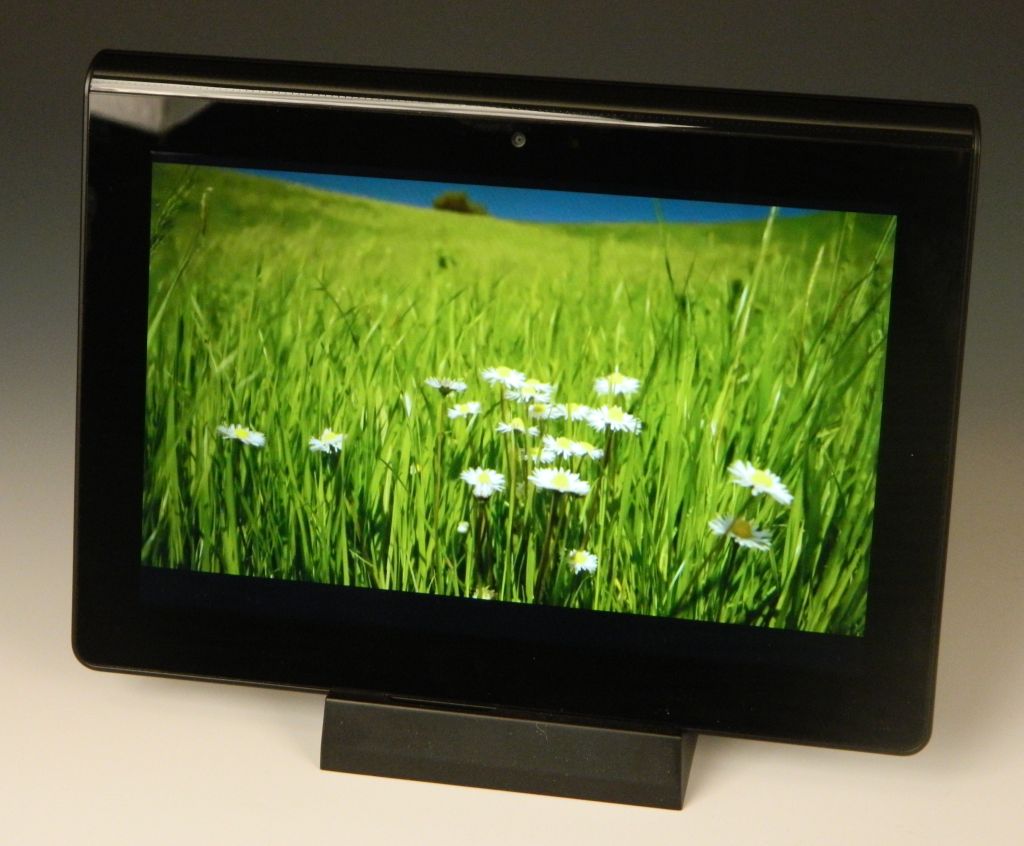 |
| Video Frame |
 |
| YouTube App |


 |
| Applications Screen |
 |
| AC Charger Connection Point |
Problems? Sony's Music and Video stores aren't ready at the time of this post. The screen won't rotate with the thick (heavier) end down. I've also had off and on WiFi connectability problems. The AC charger is a lump to deal with. No USB cable included. Crash Bandicoot keeps dying on me (OK, my fault not the S's), and yet I'm spending more time than usual enjoying this tablet.
 |
| Crash Bandicoot |
Conclusions? At the same prices as the WiFi iPad gen2s, Sony's Tablet S is the best shot I've tested yet to directly steal some sales from Apple. It has a great screen, clever physical design, great media support, Built-in DLNA capability, and a great size/weight. Add PlayStation game playing as well. Easier to hang on to than any of my other tablets too. Battery life is a little short compared to most of the 10.1s and the iPad. It's a first generation tablet though, and probably compares better to the iPad-1. With that iPad selling for $399 or less, Sony has this tablet just a little too highly priced. I saved 10% on mine with a coupon code (now expired) and thought $450 was a fair price for it. Look for discounts. If you can save anything off the current MSRP then get one. I'm keeping mine.
4D
PS: If you enjoyed this review, please consider clicking on an Ad or two. Thanks!


 This will be my third Philips portable media player. The first was the cryptically named
  The microphone is on the right edge next to a slot to tie a lanyard or wrist-strap through.


 Music: With noise cancelling (NC) the Muse is more of a pleasure to listen to than most players. With NC on the ordinary sounds of living go away and leave just your music to enjoy. I type this with my CPU case next to my monitor on my desk, and the CPU has the expected fan and hard drive sounds coming from it. Plug into the Muse and that din disappears. Getting to the music is surprisingly easy as well. The Music icon is first in line and takes one tap of the play button to select. You can then choose from All songs, Rhapsody channels, Smart Shuffle, Artists, Album Art, Albums, Genres, Rating, Playlists, and Audiobooks. The screen area is well used. While any song or book is playing you'll see cover art/album art on the left and information on the right. From the Options menu you can adjust sound settings, Add the current song to a playlist, Bookmark, Delete, Rate, and choose play mode. The only thing I haven't been able to do is play all songs (across more than one album) from an artist. There are 10 preset EQ settings, and one 5-band custom EQ you can set yourself. You've also got Philips Full Sound option to turn on or off. Lastly there is an option to set a volume limit. Music play gets an A from me.

 Should you buy a Muse? I see no reason why not. There is no memory expansion slot on the Muse, but you can get
 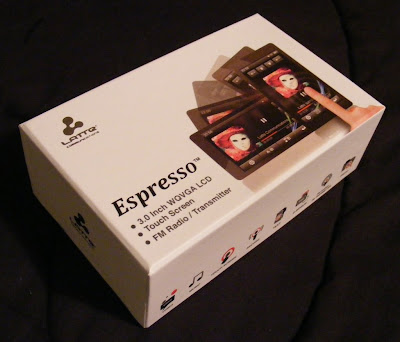 Latte looks like they want to move up the ladder in the touchscreen player market.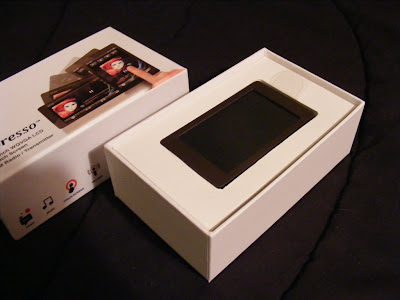
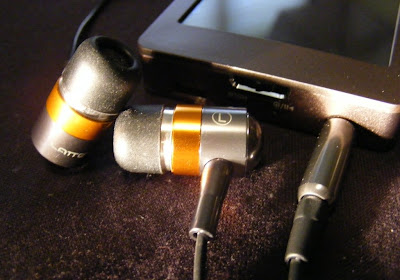
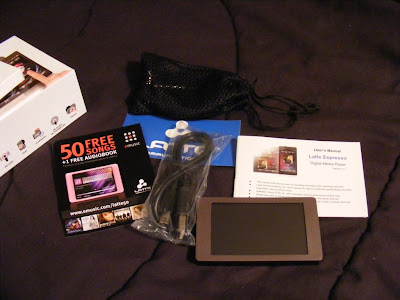 The earbuds appear to be well made and designed to compliment the Espresso's style. They come with uneven length cables to the buds which makes them easy to wrap behind your head. They also came with a nice net bag and spare set of tips. As a bonus they also sound Great. Good bass, plenty loud, external sound isolating, no audible noise, and expressive across the audio spectrum. They are on sale for $5.99 at
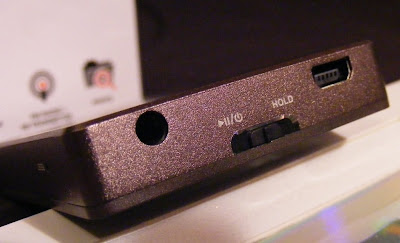
  The only external control is the Power/Play/Pause/Hold slider. On the same end you'll find the USB and headphone jack. There is a small reset hole just around the corner. I love the way the Espresso looks, with a clean simple bronze body evenly framing the 3" touchscreen. The back and sides appear to be aluminum with a fine bevel between them . The front screen surround is plastic. The back is brushed, and the overall finish does a good job at not showing fingerprints.
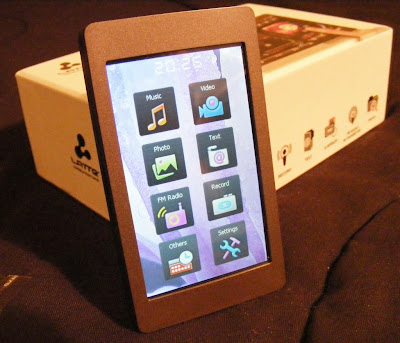
  If you care about where your headphone jack is, then the Espresso has the perfect solution. The internal G-sensor knows where down is, and no matter how your rotate it the icons and apps all rotate to stay upright. The main menu is a simple array of icons. A tap takes you to either the files list for the app or right into the (radio) player. There is a nice haptic vibration to confirm your selection.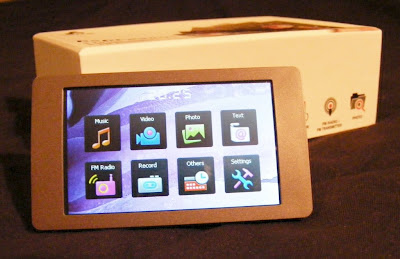
 Music. This Latte will play back MP3, WMA, FLAC, APE, and AAC (no DRM) files. I've tried MP3, WAV, WMA, and FLAC with success, although it wouldn't play lossless WMA files. The music app is nearly complete. Missing is the ability to advance to any part of a song. There doesn't appear to be gapless playback. I couldn't find any playlist support in the manual or on the device, but there is an option to add songs to a single favorites list. The now-playing screen lets you tap between album art, a graphic equalizer, EQ/bitrate/repeat/shuffle info, or the ID3 info including title, album, and artist. There is a large PLAY/PAUSE button, with track and volume buttons smaller and along the right side (or top in portrait view). You also get an A-B button, lyrics toggle, settings icon, and BACK (previous screen) icon. Finding a single song in a long list is a tedious process. There is no reliable way to jump to a relative position in a list, and with no swipe or fast scroll of the list the touchscreen capabilities are underutilized. Yet this music app is better than most I've seen on budget Chinese media players. I've been enjoying a shuffle though my music collection as I write this. Music gets a B+.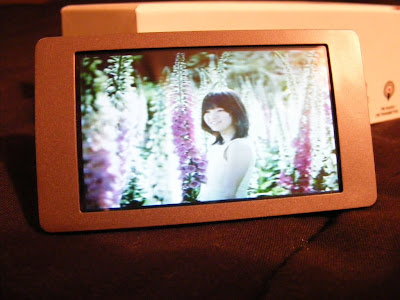
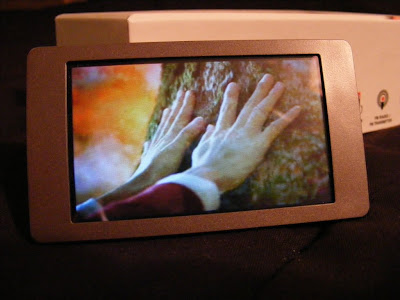 Photos. You can view JPEG, BMP, and GIF images. You can rotate the screen, but images don't auto-rotate to fit the screen, nor will they reliably rotate as the screen rotates. There is a one-step zoom option. You can pan around a zoomed image, but screen response is slow and a bit unpredictable. Images looks fine on the screen though, when you can avoid glare. This app is immature, and my experience suggests it won't be updated. Photo display gets a C+.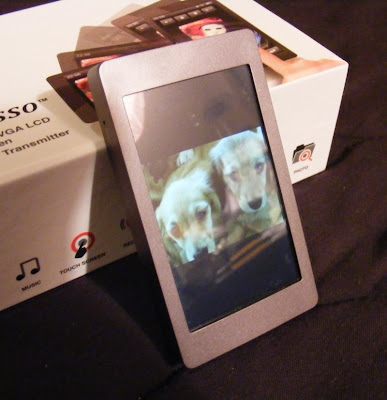
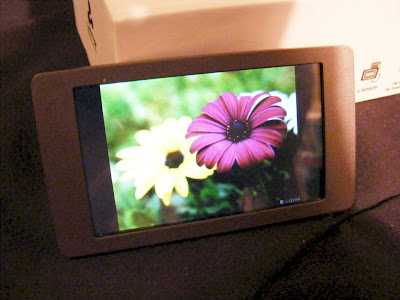 Text. TXT files can be read. You get three font sizes, as three font colors to choose from. The text will rotate as you turn the player for landscape or horizontal views. Legibility depends on the background and font color you choose, but text is crisp on the 420 x 240 screen. Moving through a large text file isn't as easy as it could be. It should be easy enough to throw a grocery list on the player, though you can't create one on the player itself. Text gets a C+.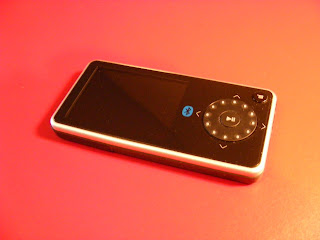


 Pictures look as good as possible on a small LCD screen. They are bright, and easy to see from any angle. You can play them as a slide show, with timing between images from 2 seconds to 1 minute. They can be zoomed and rotated.
 My conclusion? The Insignia Pilot is competent and versatile. It doesn't have the best interface. It doesn't have the biggest screen. For the money, though, it stands out as an amazing bargain. It will play almost any media you throw at it, and can be upgraded to play future formats as well. If you've got a large collection of music, videos, or photos, the Insignia is your most economical way to take them with you. I vote Best Buy.

 Posts
Posts

